Splash Screen
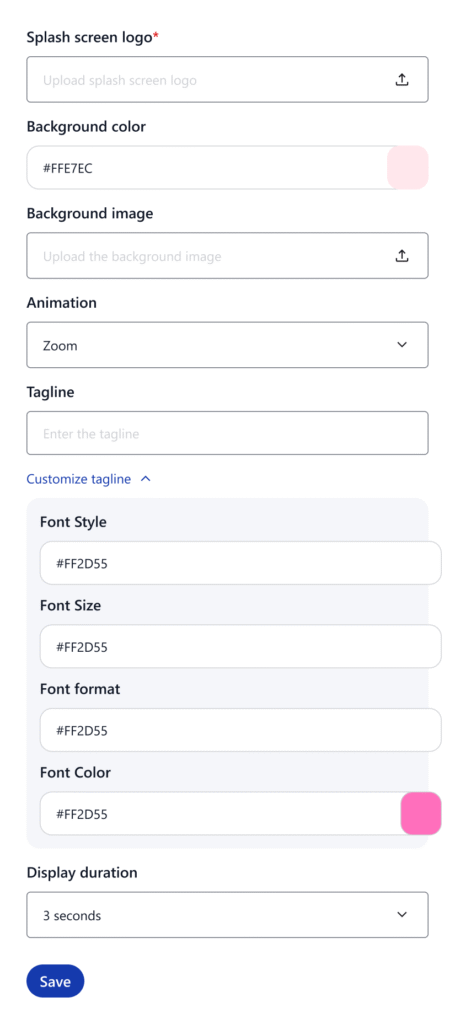
The splash screen appears when the app is launching. You can fully customize this screen to match your brand identity.
Customization Options
- Background color or image
- Display logo or animation
- Add brand tagline or welcome text
How to Customize
- Go to Customization > Splash Screen
- Upload your background and Splash screen image / Logo
- Add text (optional)
- Set duration (1–5 seconds)