How to create a app
To create a app navigate to the create new app screen after sign in to the Quikapp.
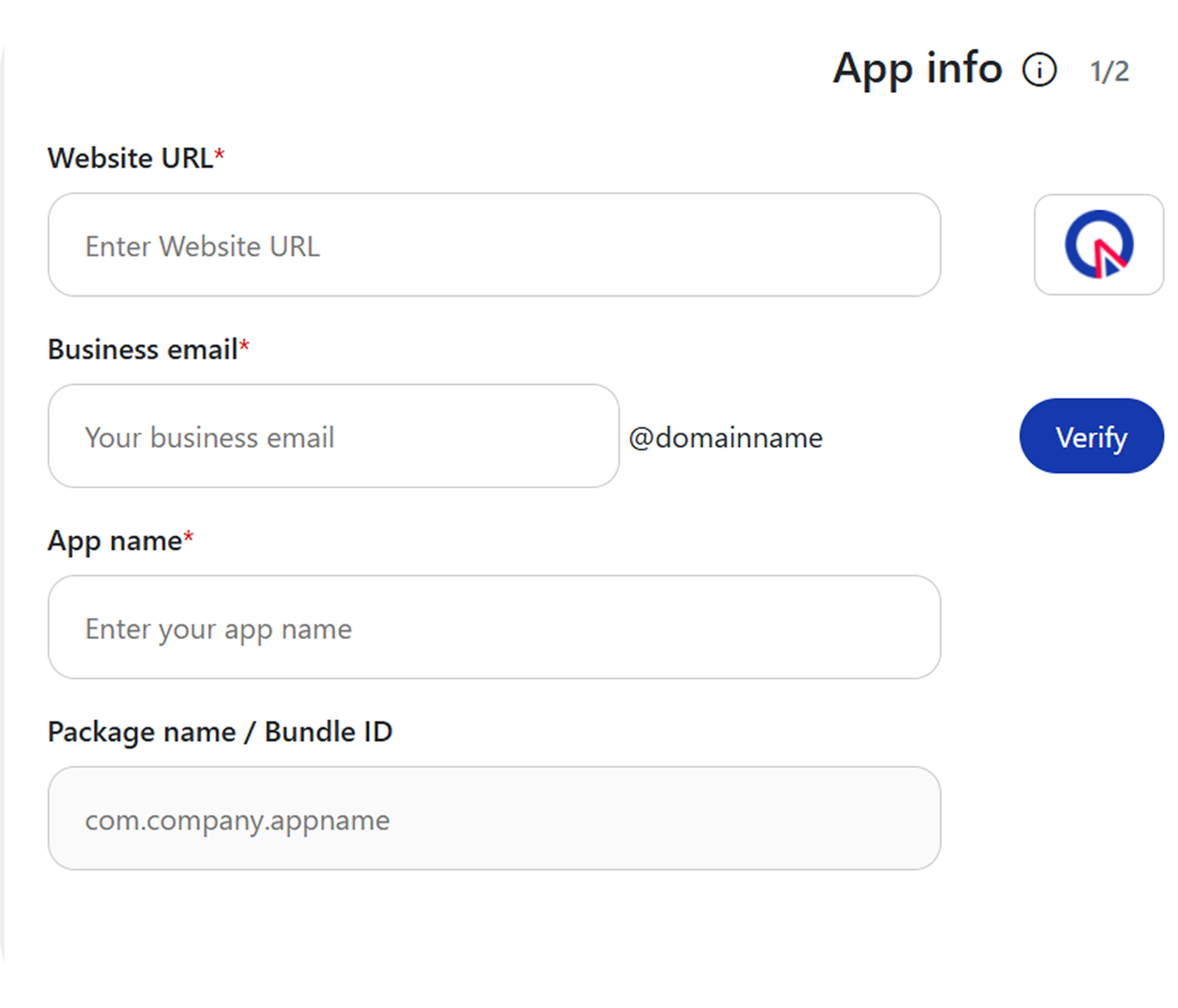
Website URL
Copy and paste the website url link for which you want to create a app, in the website URL text field.
Email ID
Enter the email address to verify and complete the setup.
App Name
Enter the name for your app. The app name will appear on mobile devices on when your app is installed.
Package Name / Bundle ID
Enter the package name of your app. (com.company.appname)